
Meal planning
Plan StudioGenerate a meal plan in Plan Studio
Create an AI 7-day plan from real library recipes matched to your preferences.
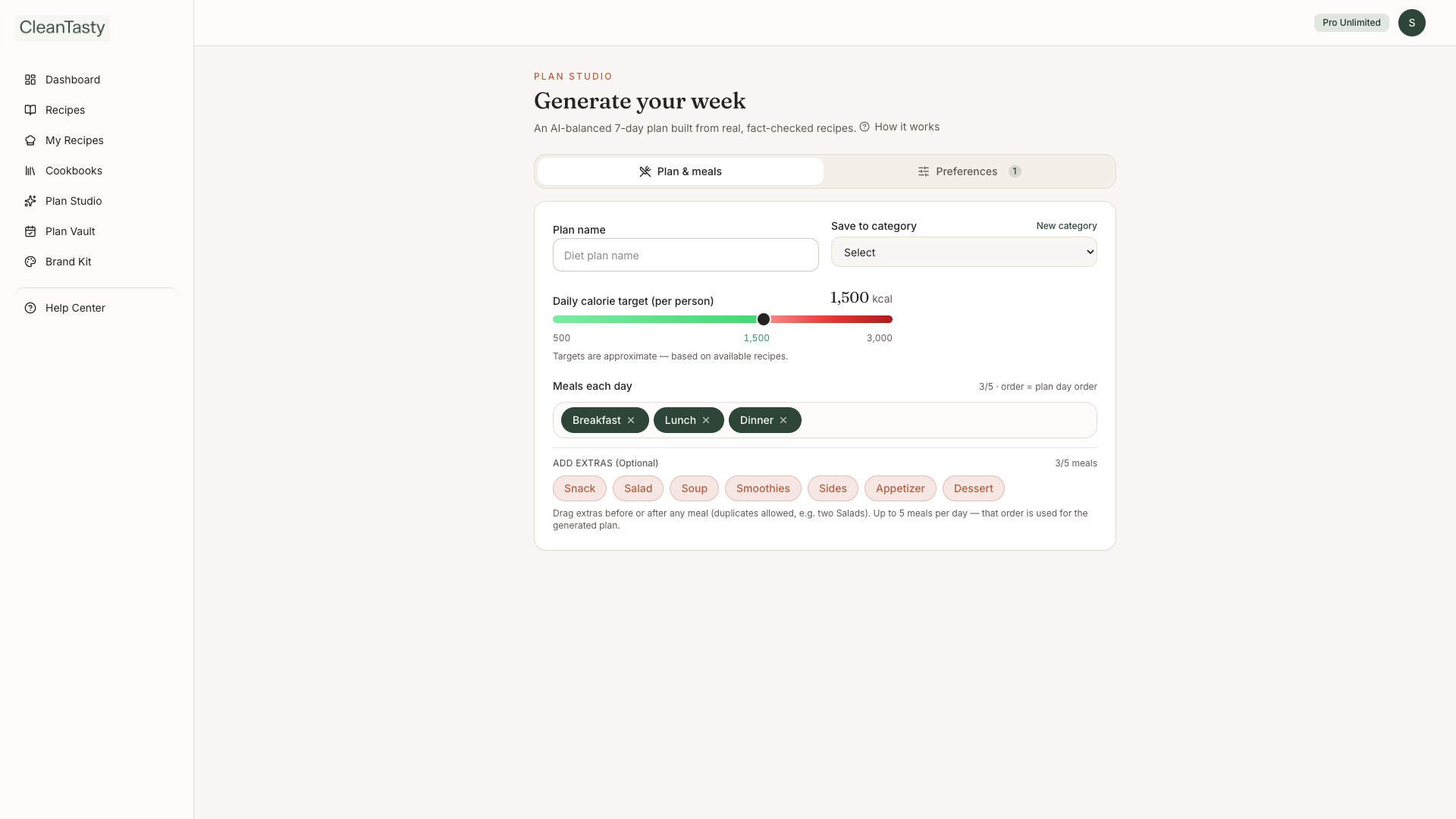
Plan Studio is where you create new weeks — AI-generated or blank. It builds meals from real published recipes (the AI never invents dishes). Nutrition totals come from the recipe library, not the model. To browse weeks you’ve already saved or Ready by experts templates, use Diet plans in the sidebar.
Generate a plan
- 1
Open Plan Studio
Go to Plan Studio from the sidebar (or Create in Plan Studio from Diet plans) when Smart meal planner is on your plan.
- 2
Set preferences
Name the plan, set diets, conditions, exclusions, meals per day, calorie target, and optional category folder.
- 3
Generate & save
Review the 7-day grid and rationale, swap meals if needed, then save. The week appears under Diet plans → My Diet Plans.
Plan Studio
Other ways to start
- Blank week — create an empty plan and fill slots yourself
- Ready by experts — browse curated templates under Diet plans, then Customize to clone into My Diet Plans